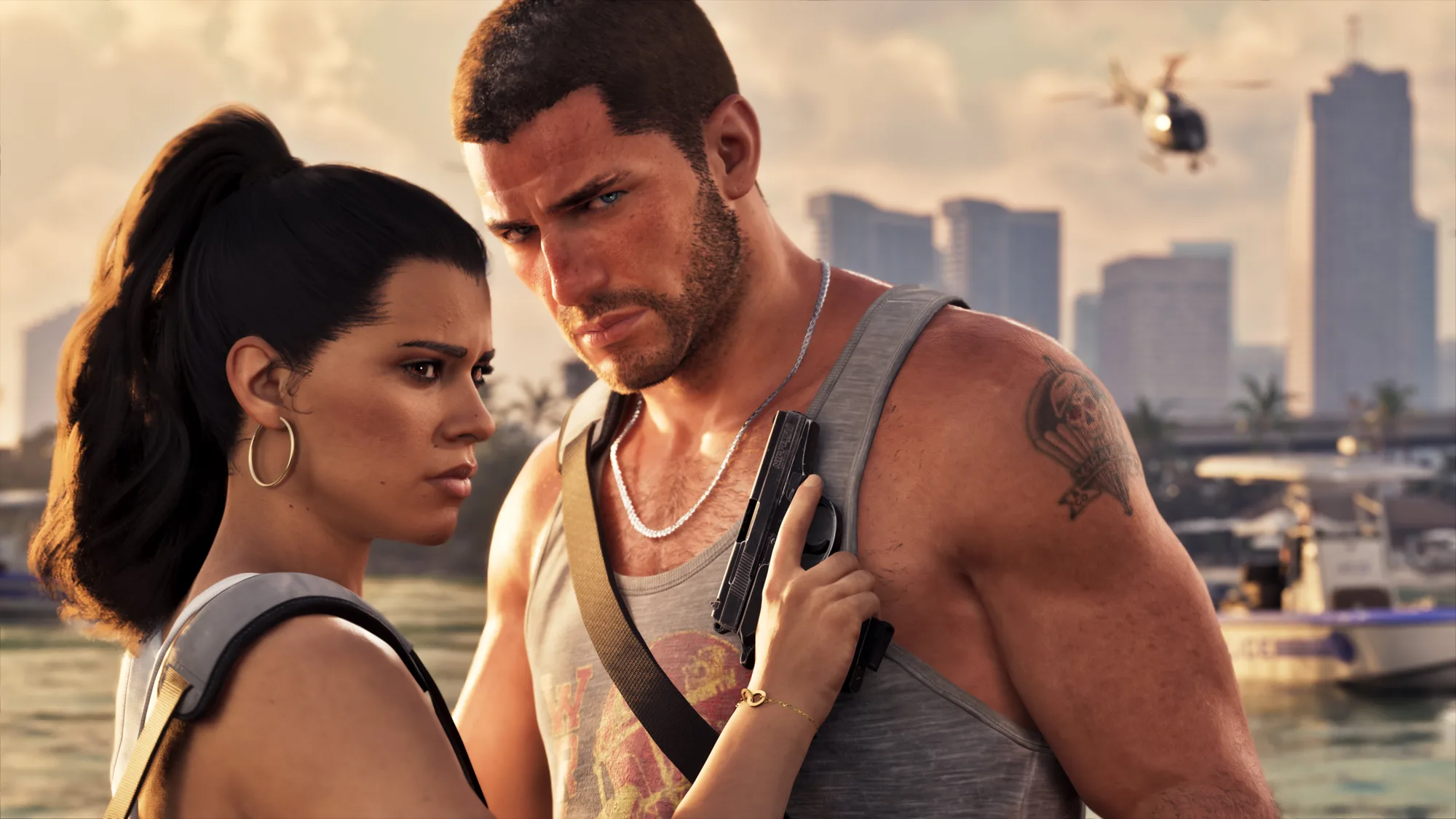
The GTA VI pre-load starts on Thursday 12 November 2026 at 00:00 local time, one week before the 19 November launch. Rockstar confirmed it on its support page, and it applies to PS5 and Xbox Series X|S and to both editions (Standard and Ultimate).
What the pre-load is and why it matters
The pre-load downloads the game before release so it is installed when it unlocks. On launch day the digital stores will be swamped; with the pre-load done, at midnight you will only need the day-one patch, at most.
Who can pre-load
- If you pre-ordered digitally on the PlayStation Store or Microsoft Store, the pre-load starts automatically on 12 November.
- If you buy the boxed edition, it has no disc, just a download code. It goes on sale on 12 November and the download starts as soon as you redeem the code. Note that PlayStation codes only work on accounts from their region (a UK code will not work on a Spanish account); Xbox codes are not region-locked.
- If you buy after the 12th, it downloads straight away.
Pre-loading costs nothing extra: you only need to have bought or pre-ordered the game.
How to let it download on its own
The easiest option is to let the console download it overnight in rest mode.
On PS5 and PS5 Pro
- Settings > System > Power Saving > Features Available in Rest Mode: turn on Stay Connected to the Internet.
- Settings > Saved Data and Game/App Settings > Automatic Updates: turn on Auto-Download and Auto-Install in Rest Mode.
- In your Game Library, find GTA VI and check that the download is selected.
On Xbox Series X|S
- Settings > General > Power options: choose Sleep (not full shutdown).
- Settings > General > Updates: turn on Keep my games & apps up to date.
- In My games & apps, check that GTA VI is in the download queue.
How much space to free up
Rockstar has not given GTA VI’s size. The specific figures going around (150, 160, 200 GB…) are estimates. For reference, Red Dead Redemption 2 takes up over 150 GB, so keep well over that free before 12 November.
If there is not enough space, the download pauses until you free some: neither PS5 nor Xbox deletes other games on its own. You can work it out and free up space with how much space GTA 6 takes up.
When you can play
The pre-load does not unlock the game. You can play on 19 November: according to the PlayStation Store, at 00:00 local time in each region. Rockstar has not confirmed the time yet; the region-by-region table is in what time GTA 6 unlocks.
If the game still shows a padlock at midnight on PS5, try Settings > Users and Accounts > Other > Restore Licences.
More on the launch: GTA 6 release date and which platforms it is on.
Sources: Rockstar Games support page and GTA VI listings on the PlayStation Store and Microsoft Store.